 Dinos Papakostas


English | 简体中文
EvoScientist aims to harness vibe research by enabling self-evolving AI scientists that autonomously explore, generate insights, and iteratively improve. It is designed to be opinionated and ready to use out of the box, offering a living research system that grows alongside evolving agent skills, toolsets, and memory bases. Going beyond traditional human-in-the-loop systems, EvoScientist introduces an AI-in-human’s-loop paradigm, where AI acts as a research buddy that co-evolves with human researchers and internalises scholarly taste and scientific judgement.
Unified Control, Different Surfaces
[TODO: Add a Demo to demonstrate the different interfaces (TUI, mobile) and how they connect to the same underlying proxy system.]✨ Features
- 🤖 Multi-Agent Team — 6 sub-agents (plan, research, code, debug, analyze, write) working in concert.
- 🧠 Persistent Memory — Context, preferences, and findings survive across sessions.
- 🔬 Scientific Workflow — Intake → plan → execute → evaluate → write → verify.
- 🌐 Multi-Provider — Anthropic, OpenAI, Google, NVIDIA — one config to switch.
- 📱 Multi-Channel — CLI as the hub; Telegram, Discord, Slack, Feishu, WeChat, and more — one agent session.
- 🔌 MCP & Skills — Plug in MCP servers or install skills from GitHub on the fly.
🔥 News
- [27 Feb 2026] ⛳ EvoScientist officially debuts!
📖 Table of Contents
- 📦 Installation
- 🔑 Configuration
- ⚡ Quick Start
- 🔌 MCP Integration
- 📱 Channels
- 📚 Acknowledgments
- 🧪 EvoScientist Team
- 🤝 Contributing
📦 Installation
Note
Requires Python 3.11+. A virtual environment is strongly recommended — EvoScientist experiments may install ML libraries (PyTorch, transformers, etc.) that can conflict with your system packages. We recommend uv for fast, reliable dependency management — it handles Python versions, virtual environments, and packages in a single tool.
Install uv (if you don't have it)
# Always review scripts before piping to shell: https://astral.sh/uv/install.sh
curl -LsSf https://astral.sh/uv/install.sh | sh
Quick Install
uv pip install EvoScientist
Development Install
git clone https://github.com/EvoScientist/EvoScientist.git
cd EvoScientist
uv sync --dev
Using conda
conda create -n EvoSci python=3.11 -y
conda activate EvoSci
pip install -e ".[dev]"
Using pip
pip install EvoScientist          # quick install
pip install -e ".[dev]"           # development install
Upgrade to latest
git pull && uv sync --dev
🔑 Configuration
The easiest way to configure API keys is the interactive wizard:
EvoSci onboard
It walks you through provider selection, key validation, model choice, and workspace setup.
Manual configuration via environment variables
Set at least one LLM provider key and (optionally) a search key:
# Pick one LLM provider
export ANTHROPIC_API_KEY="sk-..."   # Claude — console.anthropic.com
export OPENAI_API_KEY="sk-..."      # GPT   — platform.openai.com
export GOOGLE_API_KEY="AI..."       # Gemini — aistudio.google.com/api-keys
export NVIDIA_API_KEY="nvapi-..."   # NIM   — build.nvidia.com

# Web search (optional)
export TAVILY_API_KEY="tvly-..."    # app.tavily.com
Or use EvoSci config set to persist keys in ~/.config/evoscientist/config.yaml.
Alternatively, copy the example .env file for project-level configuration:
cp .env.example .env # then fill in your keys
Warning
Never commit
.envfiles with real keys. It is already in.gitignore.
⚡ Quick Start
EvoSci # or EvoScientist — interactive mode

Run
EvoSci -hfor all CLI options.

Common examples
EvoSci -p "your question"        # single-shot mode
EvoSci -m run                     # isolated per-session workspace
EvoSci --ui textual               # alternative TUI backend
EvoSci serve                      # headless mode — channels only, no interactive prompt
In-session commands
| Command | Description |
|---|---|
/new |
Start a new session |
/current |
Show thread ID and workspace path |
/channel |
Start a messaging channel |
/skills |
List installed skills |
/install-skill <src> |
Install skill from path or GitHub |
/mcp |
List MCP servers and tool routing |
/exit |
Quit |
Script Inference
from EvoScientist import EvoScientist_agent
from langchain_core.messages import HumanMessage
from EvoScientist.utils import format_messages

thread = {"configurable": {"thread_id": "1"}}
last_len = 0

for state in EvoScientist_agent.stream(
    {"messages": [HumanMessage(content="Hi?")]},
    config=thread,
    stream_mode="values",
):
    msgs = state["messages"]
    if len(msgs) > last_len:
        format_messages(msgs[last_len:])
        last_len = len(msgs)
🔌 MCP Integration
Add external tools via MCP servers with a single command:
# Usage
EvoSci mcp add <name> <command> [-- args...]

# Example
EvoSci mcp add sequential-thinking npx -- -y @modelcontextprotocol/server-sequential-thinking
Note
For command options, config fields, tool routing, wildcard filtering, and troubleshooting, see the MCP Integration Guide.
📱 Channels
Connect messaging platforms so they share the same agent session as the CLI:
# Usage
EvoSci channel setup <channel>

# Example
EvoSci channel setup telegram
Multiple channels can run concurrently — comma-separate names in the config:
channel_enabled: "telegram,discord,slack"
The channel can also be started interactively with /channel in the CLI session.
Note
For per-channel setup guides, capability matrix, architecture details, and troubleshooting, see the Channel Integration Guide.
📚 Acknowledgments
This project builds upon the following outstanding open-source works:
- LangChain — A framework for building agents and LLM-powered applications.
- DeepAgents — The batteries-included agent harness.
We thank the authors for their valuable contributions to the open-source community.
🧪 EvoScientist Team

Xi Zhang† |
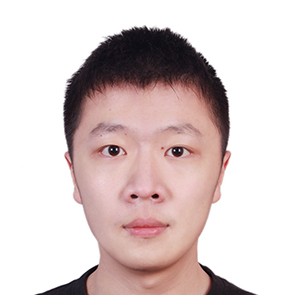
Ziheng Zhang‡ |

Dinos Papakostas‡ |
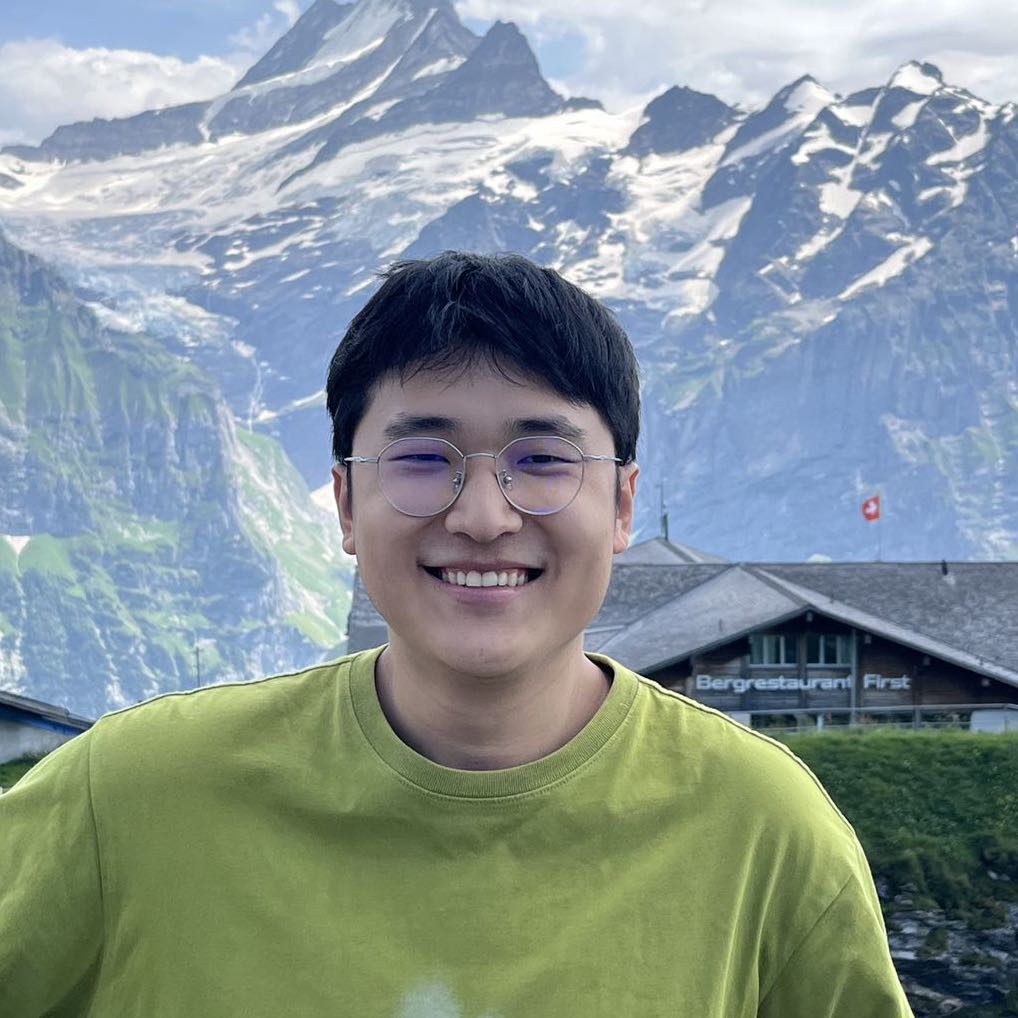
Yougang Lyu§ |
† Project Leader ‡ Core Developer § Project Correspondent
For any enquiries or collaboration opportunities, please contact: EvoScientist.ai@gmail.com
🤝 Contributing

We welcome contributions from developers and researchers at all levels. Please refer to our Contributing Guidelines to get started and help make EvoScientist more accessible.
❤️ Thanks go to these awesome contributors:
📈 Star History
📜 License
This project is licensed under the MIT License - see the LICENSE file for details.
Made with ❤️ by the EvoScientist team and the open source community for the AI scientist community.